
AI & LLM · 19 Nov 2026 · 5 min read
Stop Asking “Which AI Is the Best?” Ask This Instead.
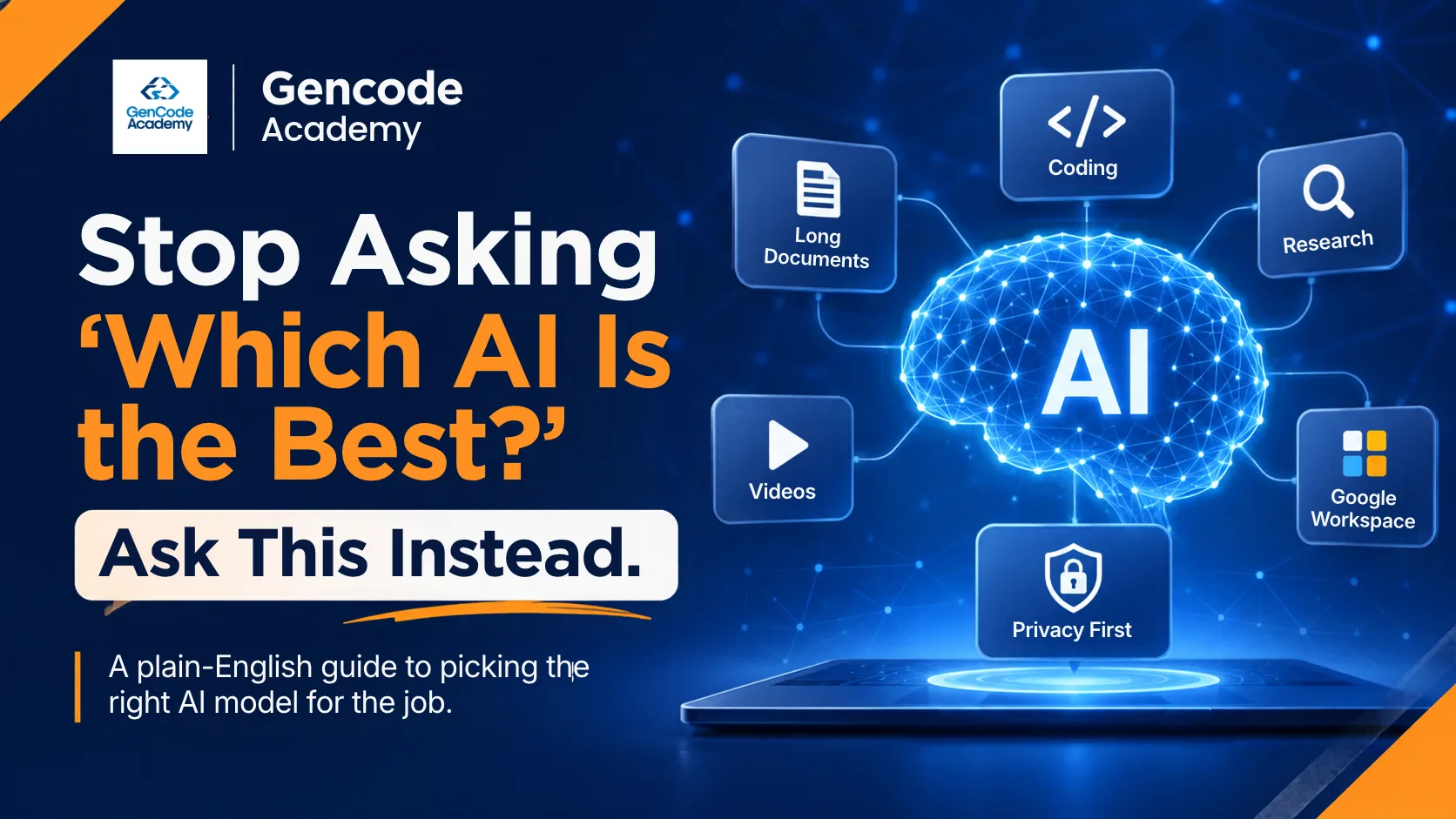
A plain-English guide to picking the right AI model for the job. Claude, ChatGPT, Gemini, Perplexity and open models compared by purpose, with a simple cheat sheet. No jargon, no hype, no fan wars.
Ask ten people which AI is the best and you’ll get ten confident answers. Every one of them will sound sure. Most will be useful to nobody except the person saying it.
The problem isn’t the answers. It’s the question.
Nobody asks whether a bus or a scooter is the better vehicle. It depends. Forty people going to the airport? Bus. One person going to buy milk? Scooter. AI works the same way. The model that’s brilliant at writing a tricky email is not automatically the one you want for summarising a two-hour YouTube video.
First, a 30-second explanation
An LLM (large language model) is the brain behind tools like ChatGPT, Claude and Gemini. The app you type into is just the face. Different companies built different brains, and each one grew up a little differently, which is why they have different strengths.
Think of them as colleagues in the same office. All of them are smart. None of them is good at everything.
Meet the team
• Claude (from Anthropic). The careful writer and the coder. Many developers reach for it first when they’re programming, and it copes well with long documents. Hand it a big report or a messy project and it keeps track of the details. A lot of people also find its writing sounds more natural, less like a robot reading a brochure.
• ChatGPT (from OpenAI). The all-rounder. If you want one app that does a bit of everything, like chat, images, voice, data analysis and a huge range of add-ons, this is the safe starting point. It’s also the one your friends already use, which makes sharing prompts easy.
• Gemini (from Google). The one that lives inside Google. If your day is Gmail, Docs, Drive and YouTube, it fits in without any effort. It’s also strong with images and video, and it can take in very large files.
• Perplexity. Strictly speaking it’s an AI-powered search engine, not a model by itself. But when your question is “find me the latest on this, with sources,” it often beats a normal chat tool, because it shows you where every answer came from.
• Open models (Llama, DeepSeek, Qwen, Mistral). Free to download and run on your own machine or server. Less polished, but very handy when your data can’t leave your company, or when you’re sending thousands of requests and the bill starts to hurt.
The cheat sheet
Job | Try first | Why |
|---|---|---|
Writing code, fixing bugs, building apps | Claude | Developers rate it highly for real, everyday coding wor |
Long reports, contracts, big documents | Claude or Gemini | Both can take in a huge amount of text at once |
Daily questions, brainstorming, images, voice | ChatGPT | The most complete all-in-one app |
Working inside Gmail, Docs and Sheets | Gemini | Built right into Google's tools |
Research where you want the sources | Perplexity | Shows where each answer came from |
Videos and YouTube content | Gemini | Strong with video and images |
Data that must never leave your company | Open models | You run them on your own machine or server |
Thousands of small, repetitive tasks | Small, cheap models | Much faster and far cheaper |
Treat these as starting points, not laws. Try one, and if the answer disappoints you, try another.
The mistake almost everyone makes
Using the biggest, fanciest model for everything. That’s like hiring a senior architect to sort your post. Every company also sells small, fast versions (Claude Haiku, Gemini Flash and so on). For tagging customer feedback, sorting emails or summarising 500 short reviews, the small one is usually enough and costs a fraction. Keep the big one for work where deep thinking matters.
One more switch worth knowing about: most tools now have a “thinking” or “extended reasoning” mode. Turn it on for maths, logic, tricky code and planning. Leave it off for a quick email. Otherwise you’re just waiting longer for the same answer.
Try this before you trust any ranking
Leaderboards reshuffle almost every month. By the time you’ve finished reading a “Top 10 AI models” list, it’s already slightly out of date.
Take one real task from your week. Run the same prompt in three tools. Compare. Ten minutes, and you’ll learn more than from twenty articles.
Three rules for a sticky note
1. Don’t marry one model. Use two or three. Switch when something works better.
2. Check the facts. Every model can sound completely sure and be completely wrong. Numbers, dates, names and legal points all deserve a second look.
3. Mind your data. Don’t paste client details, passwords or confidential files into any tool unless you know where that data goes.
The tools will keep changing. The one on top today might be second by Christmas. What lasts is the habit of asking, “What am I actually trying to do, and which tool fits it?” Build that habit and you’ll never need a ranking again.
Your turn: which AI do you use for what? Tell me in the comments. I’m curious how your list differs from mine.
Want to learn this hands-on?
At GenCode Academy we teach students to work with AI tools, not just read about them. Come say hello:
• Website: gencodeacademy.com
• LinkedIn: GenCode Academy
• Instagram: @gencodeacademy
• YouTube: @gencodeacademy
• Facebook: GenCode Academy
By Martand Yadav